auto_stories
Unlimited lessons
Explore categories, levels, and activities without hitting a hard cap—fresh content keeps momentum going.
Transform passive scrolling into active learning. In Kids Focus, kids earn their favorite app time by completing fun quizzes and educational challenges.
Earned Today
15 min Roblox
A balanced ecosystem where entertainment meets education through intentional play.
Kids unlock their favorite apps by proving their knowledge. From math puzzles to history challenges, learning becomes the key to their digital world.
Total visibility. Set difficulty levels, choose subject focus, and approve extra time with a single tap.
Visualize growth through daily educational milestones.
Install Kids Focus on parent and child devices.
Set learning goals and select educational categories.
Kids complete challenges to unlock app time automatically.
Features
Seven pillars that connect learning, limits, and visibility—so kids stay engaged and parents stay confident.
Explore categories, levels, and activities without hitting a hard cap—fresh content keeps momentum going.
Earned minutes, daily limits, and clear rules so play stays intentional—not an endless scroll.
Approve apps, tune difficulty, and stay in the loop from the parent view on your own device.
Optional context for peace of mind when you need to know devices are where they should be.
Friendly competition worldwide—celebrate streaks and progress without losing the learning focus.
See subjects practiced, streaks, and milestones so growth is visible, not guessed.
Time earned vs time used, per-day trends, and balance insights in plain language.
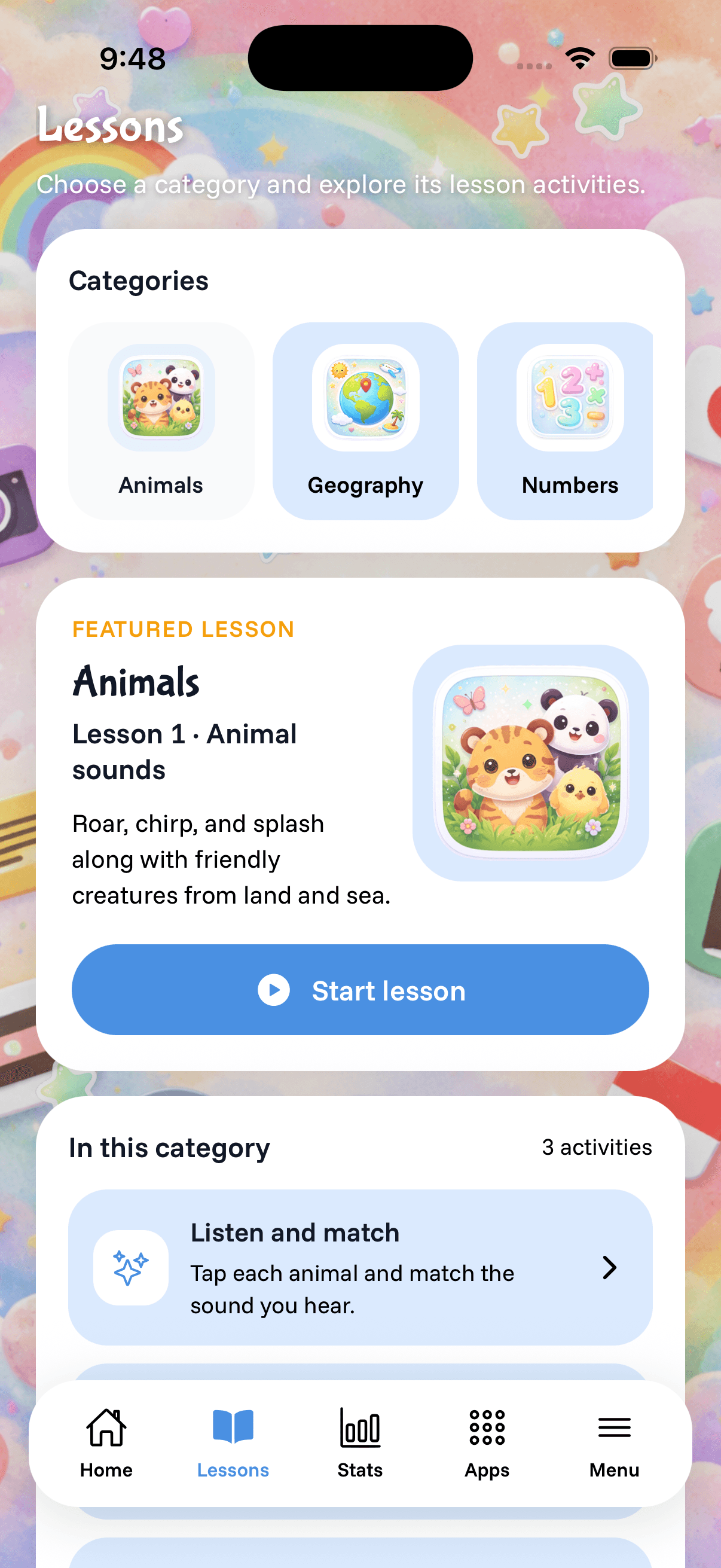
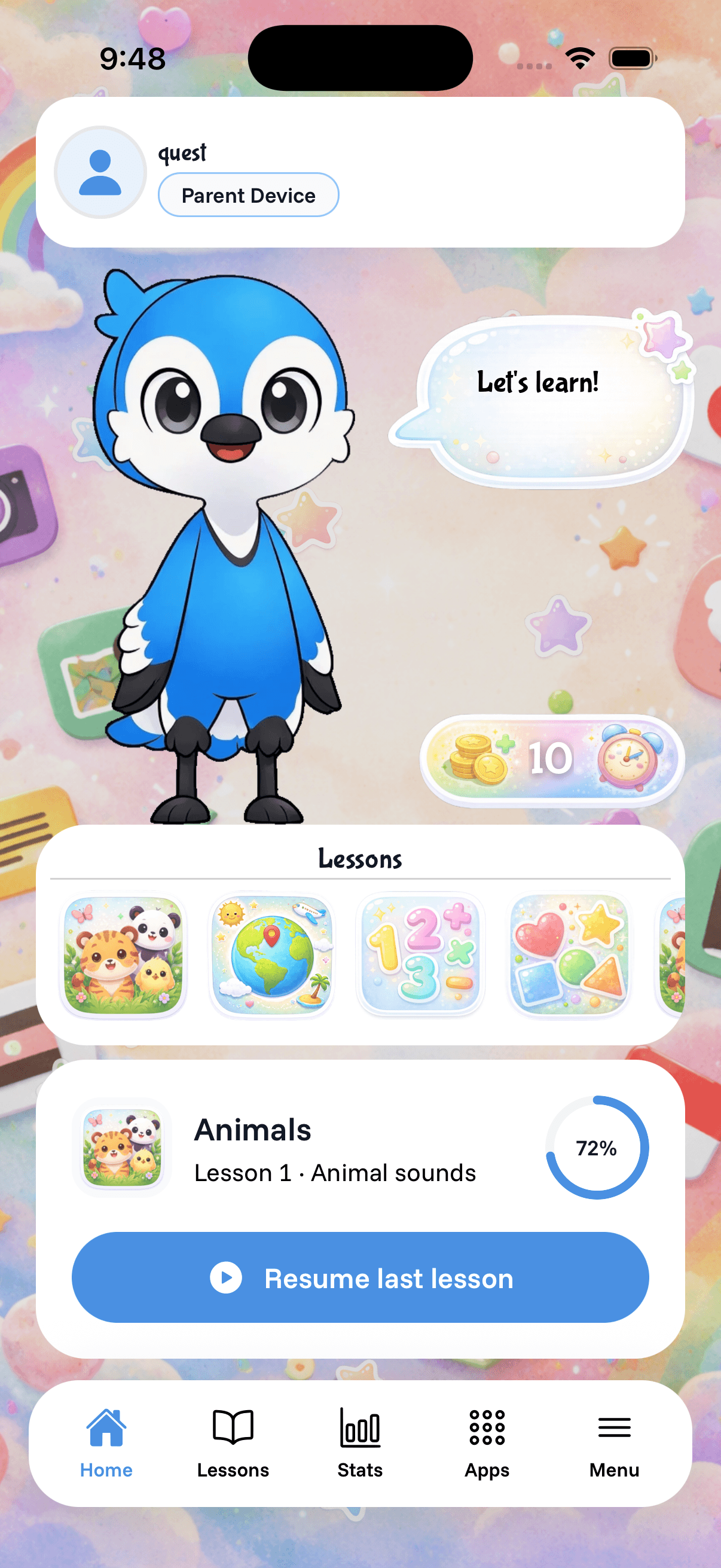
On iPhone
A calm home base for kids, structured lessons they can browse, and navigation that feels at home on iOS—without losing the playful energy that keeps them engaged.
Reviews
Real feedback from parents using Kids Focus at home—two live rows scrolling in opposite directions so you can skim twice the stories.
“Finally something that doesn’t feel like a battle every evening. My daughter actually asks to do a lesson first.”
Sarah M.
Mom of two
“The parent view makes it obvious whose tablet is whose. No more mystery screen time.”
James T.
Dad
“Lessons are short enough to fit between homework and dinner. Huge win for our routine.”
Elena R.
Parent
“We went from nagging to a clear rule: learn first, play after. Kids Focus holds that line for us.”
Marcus W.
Parent of three
“My son’s reading confidence went up within a few weeks. The animal lessons are his favorite.”
Priya K.
Mom
“Stats are simple—no guilt, just clarity. We see earned time vs used time at a glance.”
David L.
Parent
“Setup was painless. Both phones paired without me calling tech support.”
Nina O.
Guardian
“Finally an app that respects that kids need play AND structure. Not either-or.”
Chris P.
Dad of twins
Join 50,000+ parents who turned screen time arguments into learning opportunities.